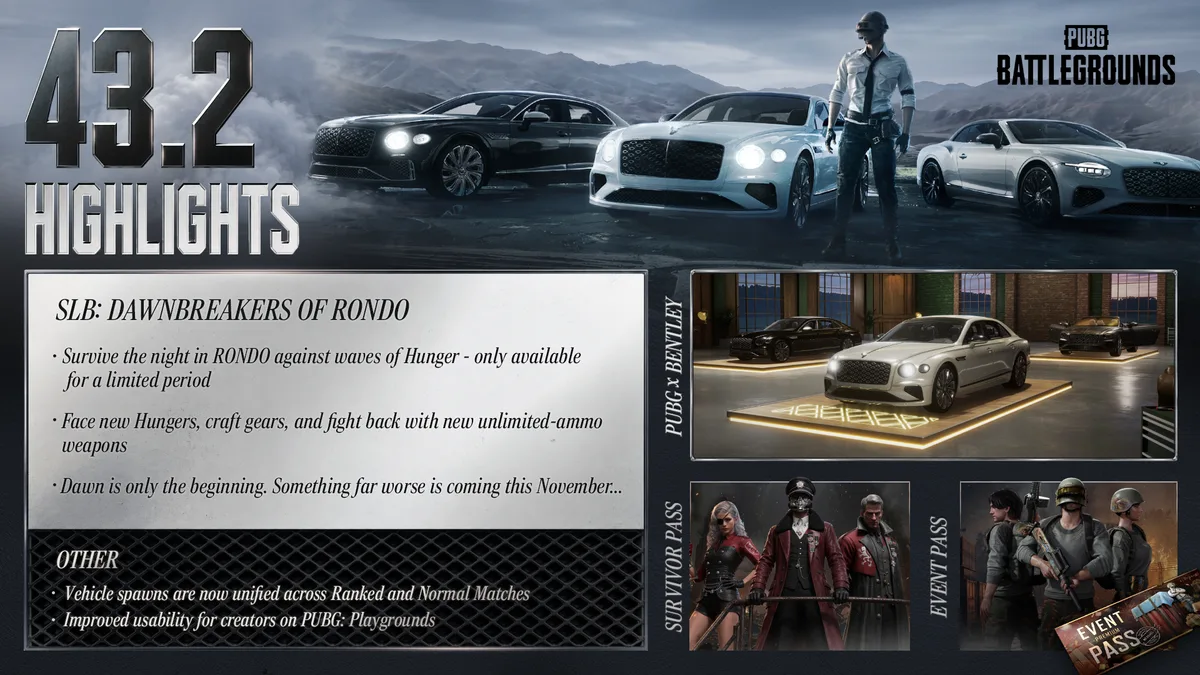
PUBG Update 43.2 adds two console controller presets and revises message controls. Use this practice routine to choose a layout that holds up in a real fight.
Choose a preset by mistakes, not by hype
PUBG Update 43.2 introduces PUBG Standard and Shooter Standard controller presets on console. KRAFTON says the first draws on familiar console controls, while the second aims for consistent assignments across actions. Type A, B, C and Custom remain available, and existing saved settings are retained. That gives you room to compare options without treating the new presets as mandatory upgrades.
This is a gameplay guide for console players. The official notes explicitly say these controller input changes do not apply to PC. If you are playing with a keyboard and mouse, the new preset menu is not a reason to rework your setup. On console, the right question is whether a layout reduces errors in your common actions.
Before testing, take a screenshot of your current bindings or note the preset name. Then change only one thing at a time. A familiar layout can feel faster because your hands already know it, but it may have awkward exceptions that show up under stress. Give each candidate several sessions before judging it.
- Save your old bindings before switching presets.
- Repeat the same short practice routine with each layout.
- These controller changes apply to console.
Run a short, repeatable practice routine
Try the same ten-minute routine with each preset. Move through cover, aim at a stationary point, lean both ways, switch equipment, open inventory, use an item, open the world map and place an enemy marker. Then repeat while moving. You are looking for moments when your hands hesitate or trigger the wrong action, not a single perfect time on a stopwatch.
Write down the two most common errors. Did you accidentally kick when trying to scope? Did the inventory take too long to close? Did your marker land after the opportunity had passed? Each error points to a specific part of the layout. A preset that feels smooth in a menu can still be awkward in a fight.
Once you know the sticking points, play a casual match and test the same actions with real distractions. A layout should help you stay oriented while footsteps, shots and squad calls compete for attention. Avoid changing sensitivity and button assignments at the same time; otherwise you will not know which adjustment helped.
PUBG Standard and Shooter Standard solve different problems
KRAFTON describes PUBG Standard as an easier entry point for players accustomed to other console shooters. It is the new default for newcomers. Shooter Standard prioritizes fewer exceptions, assigning similar actions in a more consistent pattern. That can be attractive once you learn it, but a consistent design is only valuable if it fits how you play.
Compare the presets during the exact tasks you perform most. If you drive often, test getting in and out of vehicles. If you play long-range fights, test aiming, scope use and quickly returning to cover. If you lead a squad, test the radial messages. Your normal playstyle gives the comparison a purpose.
The patch notes say these two presets do not support customization. If one is nearly right but a particular binding is a repeated problem, a Custom layout may be better. You do not have to choose between a complete new preset and your old setup. Keep the parts that work and adjust the specific action that causes trouble.
Keep Custom when a personal binding matters
Update 43.2 improves Custom presets so Scope Aim and Kick can share a button. Players who prefer them separately can bind a dedicated Kick action. KRAFTON notes that an existing Custom preset may need to be reset and configured again if Kick does not work properly. Follow that specific advice only if you encounter the issue; there is no reason to erase a working layout preemptively.
A good Custom layout is predictable. Put high-frequency actions where you can reach them without abandoning movement or aim, then test lower-frequency actions like emotes and inventory. Try not to solve one awkward command by moving three familiar commands at once. Small changes are easier to learn and easier to reverse.
Record your final settings after you settle on them. Console updates, new controllers or a reinstall can make it useful to have a reference. The goal is a layout that lets you act without thinking about the button map in the middle of a fight. That is more practical than chasing somebody else's claimed 'best PUBG settings.'
Practice the Message Radial while moving
The updated Message Radial uses the right stick to navigate. The official notes say it stays active while you hold the mapped button, then activates the selected item when released. KRAFTON also says it can be used while moving, and enemy markers can now be placed whether you are aiming or not. Those changes can make quiet squad communication smoother.
In a low-pressure match, practice marking a direction, an enemy and a useful location. Watch whether teammates can understand your marker without a voice explanation. A ping that is too late or too vague can still mislead them, even if the radial is easier to reach. Aim for a useful cue, not a stream of repeated alerts.
The Radio Message Preset option has been removed, according to the patch notes. If an older guide tells you to change that setting, it may now be out of date. Trust the current in-game menu and the official 43.2 notes. A screenshot from a previous build may describe controls that no longer exist.
Test under pressure before a serious session
After a few casual games, review your mistakes. If you still hit the wrong button in an urgent moment, the layout is not settled yet. Return to the repeatable practice routine, make one adjustment and play again. A new preset often needs time for muscle memory to catch up; an awkward action that persists after several sessions may need a real binding change.
Do not assume a controller preset will change recoil, matchmaking or the actual rules of PUBG. It changes how efficiently you communicate your decisions to the game. Better controls make it easier to use cover, inventory and markers at the moment you intend. Your positioning and choices still decide whether those actions are good.
The safe recommendation is simple: preserve your old settings, compare PUBG Standard and Shooter Standard with the same routine, and keep Custom if its flexibility matters. Update 43.2 gives console players more choices. Use those choices to remove repeated errors rather than trying to copy an unfamiliar layout right before an important match.
CHECK THE ORIGINALS.
Facts and update details above are based on these official sources. Details can change as the game is updated.
- Patch Notes — Update 43.2 ↗KRAFTON / PUBG
- PUBG Official Site ↗KRAFTON / PUBG
Loading comments…