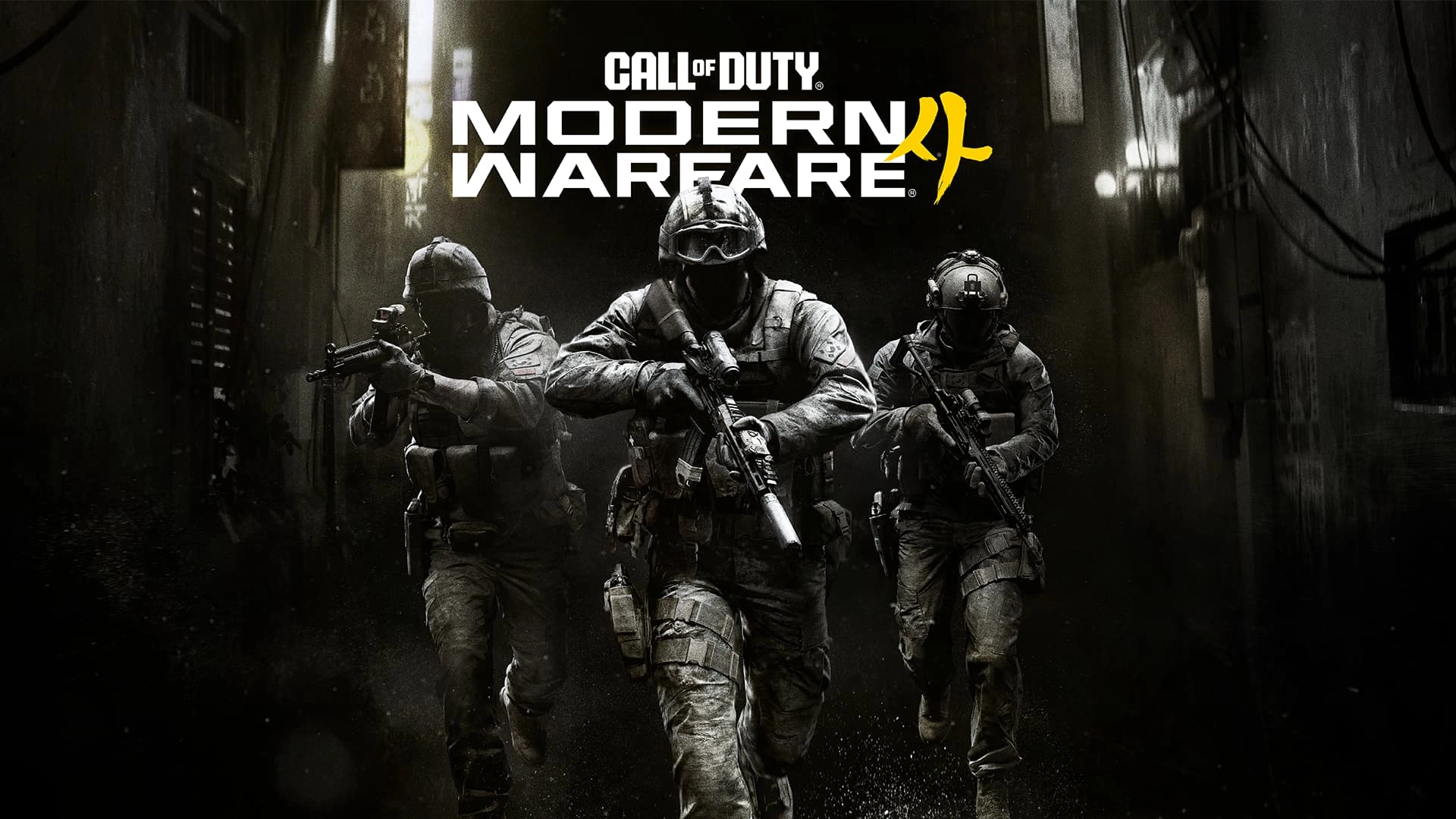
Infinity Ward's October 29 Modern Warfare 4 update adds Possession, a Halloween party playlist, alongside stability, interface, Multiplayer, and DMZ fixes. Here is what the official notes confirm and what to check after installing.
Possession joins the playlist for Halloween
Infinity Ward's October 29, 2026 update adds Possession, described in the official notes as a new Halloween Party Mode. The patch also addresses issues in Multiplayer and DMZ, continuing the studio's run of launch-period updates. This is a live playlist addition rather than a future teaser, but playlist availability can rotate, so check the in-game menu if you do not see it immediately.
The official entry is concise about Possession: it confirms the mode's name, its Halloween party framing, and that it is live. It does not include a full ruleset, scoring system, map list, or schedule in the patch-note section. We will not invent those details. Read the mode description in the client before your first match, especially if you are trying to understand team size, objective rules, or whether a limited-time playlist has changed since launch.
That distinction is useful because the same patch page also includes a lengthy record of other fixes. Players may see the October 29 update discussed online alongside earlier tuning from October 28, but those are separate dated entries. The 28th included weapon tuning and broader fixes; the 29th introduces Possession and additional corrections. Keeping the dates separate makes it easier to identify which change actually affected your match.
How to find the new mode and set expectations
Start by opening the Multiplayer playlist selector after the game finishes updating. Look for Possession under the current Halloween or featured playlist grouping. If the tile is not visible, restart the title and check that the platform download completed; a live update does not always appear in the same menu location across PC and consoles. The official patch notes do not say that Possession replaces a permanent mode, so do not assume another playlist has been removed.
Before loading in, read the on-screen explanation and check whether the mode has any special rules or equipment restrictions. Party modes often make small changes to familiar multiplayer routines, but each game implements them differently. Knowing the objective first will save you from treating the match like a standard elimination playlist when the scoring conditions may be different. If the client presents a timer or event label, use that as the current schedule reference.
The first few rounds are best treated as a learning pass. Watch how the objective moves or changes, note where the team is encouraged to fight, and avoid spending rare equipment before you understand the mode's pace. Once the goal is clear, you can decide whether aggressive pushes or controlled objective play are more effective. That advice is intentionally general because Infinity Ward has not published detailed strategic guidance in the patch notes.
Stability and interface fixes worth checking
The October 29 notes list several stability and crash fixes intended to improve play across modes. Infinity Ward does not name every scenario in this short summary, so players should not expect a particular crash to be resolved unless it matches the issue described in the full notes. If you have had repeated crashes, record your platform, game mode, and the steps that lead to the problem before deciding whether the update changed it.
There are also user-interface corrections. The Calling Card menu should no longer hide unlock requirements after they are completed, and the After Action Report formatting for Cash Gathered as HVT in Inflation has been corrected. A DMZ navigation issue involving the Quick Nav menu and Progression Track scrolling is also listed as fixed. These changes do not alter the core rules, but they can make progression tracking and post-match review less confusing.
A reliable post-patch check is simple: inspect one completed Calling Card challenge, review an After Action Report if you play Inflation, and open the DMZ FOB menus if you use them. Do not change multiple settings while troubleshooting. If an issue remains, compare your game version with the installed update and consult the live issue tracker linked by Activision. That gives support reports better detail than a vague claim that the patch did not work.
Multiplayer fixes clean up small match problems
The October 29 Multiplayer list includes corrections to visual effects, damage indicators, the Domination scoreboard, and the Recon Drone on Silkworm. Infinity Ward says some overhead effects on Lithium could distract players, Concussion Grenades could incorrectly show a red damage indicator, and a non-functional Time Remaining indicator could appear in Domination. Fixes also address an out-of-bounds drone deployment and exploits on Mumbai.
Those are mostly reliability and clarity changes. A misleading damage indicator can make it harder to understand what just happened, while a broken scoreboard element can distract from the actual objective. Fixing map exploits also helps keep matches inside the intended play space. The notes do not claim that every map exploit has been eliminated, so players should still report reproducible out-of-bounds behavior through the official channels.
Infinity Ward also removed redundant enemy location callouts on Shipment. The note makes a joke about players already knowing where enemies are around the containers, but it is still a specific information change. If you rely on audio callouts, pay attention to the difference after patching. Small sound and interface changes can affect awareness, and it is better to learn them in a casual match before treating them as a competitive advantage.
DMZ receives cash and progression improvements
In DMZ, the update increases cash rewarded for Dynamic Ops, Side Ops, and Story Mission replays. The patch notes do not provide the exact amount of the increase, so avoid relying on an unsupported figure from a repost or an older build. The direction is clear: those activities now award more cash, giving players another reason to complete them while moving through the DMZ loop.
The fixes also cover several practical problems. Infinity Ward says it closed exploits, addressed a Mastery Camo Challenge progression issue tied to squadmate actions, and fixed Scavenger detection triggering immediately on deployment. Other corrections include picking up hostages after assimilation, missing interaction prompts at Lieutenant Towers, and issues with Dog Tags, Voice Logs, extraction helicopters, and terrain on Hajin.
If you play DMZ, check a normal deployment rather than testing every fix at once. Confirm your mission objective is tracking, watch whether the Scavenger behaves as expected, and verify that extraction and interaction prompts appear in the situations you normally encounter. The patch is broad but not a guarantee that every unrelated DMZ bug has disappeared. Activision directs players to its official Trello board and CODUpdates for ongoing issues.
What to do after installing the October 29 patch
Let the full download complete, then confirm the current build in your platform launcher or game menu. Try Possession if it is visible in the active playlist, and read its own rules before the match starts. If you mainly play standard Multiplayer, the visual, scoreboard, drone, and map fixes are the most likely changes you will notice. If DMZ is your focus, run an activity that uses the cash rewards or progression behavior you care about.
Keep the October 28 and October 29 notes distinct when comparing weapon feel. The October 28 update contained the first broad tuning pass and other weapon changes. The October 29 entry is the source for Possession and the newer round of fixes. If a weapon seems different, check the dated notes and current build rather than attributing every change to the latest playlist update.
Modern Warfare 4's live support is moving quickly after launch, and Infinity Ward says more improvements are being developed. That makes official notes especially useful: they separate fixes already released from work still in progress. The current confirmed headline is straightforward: Possession is live as a Halloween mode, with stability, interface, Multiplayer, and DMZ changes in the same update. Recheck the official patch page for later corrections or playlist changes.
CHECK THE ORIGINALS.
Facts and update details above are based on these official sources. Details can change as the game is updated.
- Modern Warfare 4 Launch Patch Notes ↗Call of Duty / Infinity Ward
- Modern Warfare 4 on Steam ↗Activision
Loading comments…