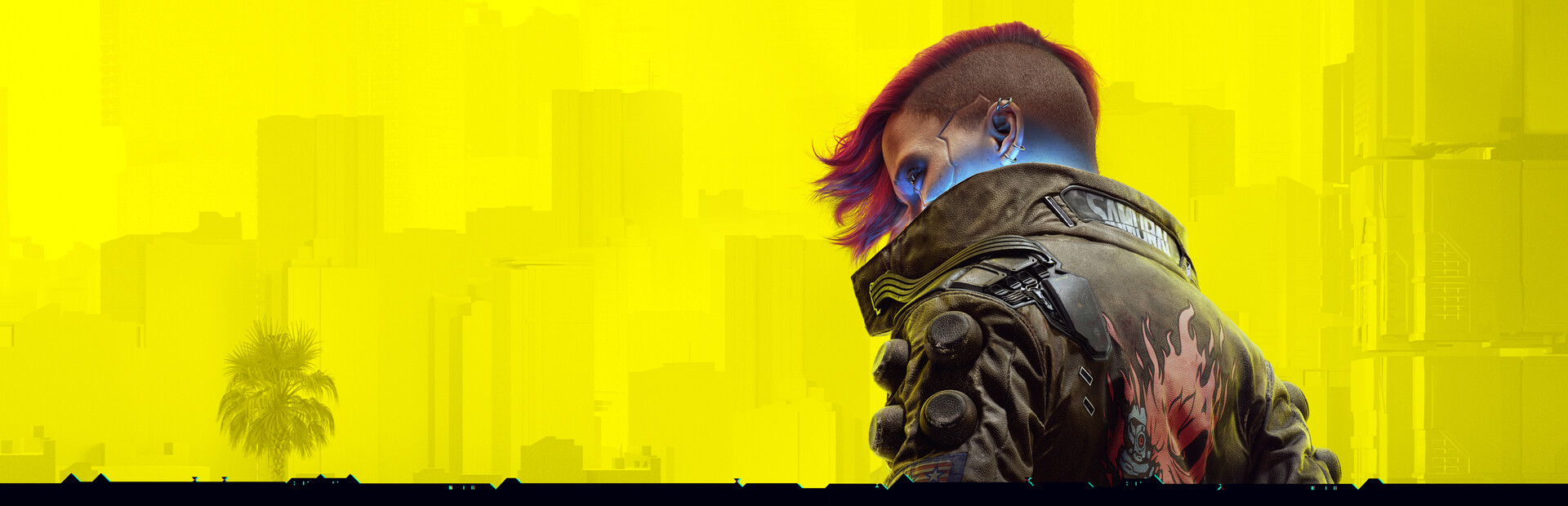
Update 2.5 gives Night City a fresh story hook, a new combat option, deeper visual customization, and cross-platform mod support. This player-friendly guide explains what is live, where to find it, and which details matter before you jump back in.
A free update with more than a tie-in quest
Cyberpunk 2077’s Edgerunners 2 Update, version 2.5, arrived on October 22 for PC, Mac, PlayStation 5, and Xbox Series X|S. CD PROJEKT RED says the Nintendo Switch 2 version is coming soon. The anime connection gives the update its name, but the patch reaches beyond a promotional outfit drop: it adds quests, a combat perk, cyberware cosmetics, cross-platform mod support, and several quality-of-life options.
That mix makes 2.5 a useful return point whether you care about the show or just want another reason to cruise around Night City. The new Clampdown side job adds a short story connection; Double Trouble changes how some pistols can be used; Glamdocs let you customize the look of hand cyberware. There are also improvements for saves, stashes, console field of view, and supported PC graphics features.
This guide sticks to the features CD PROJEKT RED lists in its patch notes. Some options depend on platform, hardware, character progress, or account activity, so check the in-game menu before expecting every feature to appear. A patch note confirms availability, but it does not promise that every device will run a graphics option or every mod will work with every save.
Start with Clampdown if you want the new story content
Clampdown is a new side quest set before the events of Cyberpunk: Edgerunners 2. To unlock it, the official notes say you need to complete The Heist and two gigs for Wakako, then wait for a message from her. This means a fresh character may need to make some main-story progress before the quest becomes available; it is not presented as an opening mission that appears immediately after installing the update.
The quest also includes a five-piece gear set based on King, a character from the anime. Treat it as a story reward to discover while playing rather than assuming it is a pre-order bonus or a store purchase. The update adds HKGN 102.0 FM as well, with tracks from Edgerunners. Once you are back in the city, checking the radio dial is an easy way to hear the new music without turning the session into a checklist.
There is another exploration quest, Welcome to Paradise, which unlocks after The Heist and reaching 15 Street Cred. It sends V on a guided tour narrated by Richard Night. Twelve Minor Arcana Tarot Cards have also been added around Night City; scanning one starts an extension of Fool on the Hill, and collecting the set grants a special reward. These are separate activities, so players can pick the story thread that sounds more appealing.
Dual-wielding and Glamdocs give builds a new look
The most direct gameplay addition is Double Trouble, a new perk in the Cool tree with four supporting perks. It allows V to dual-wield Power-category pistols and revolvers. That wording matters: the patch does not say every handgun type can be paired, and the new option is tied to the perk system. If you want to try it, review your attributes and available perk points before rebuilding a character around it.
The update adds five Glamdocs, marked on the map with a spray-paint icon. Each operates from a distinct shop, has its own voiced introduction and animation, and offers a catalog of cosmetic styles and colors for hand cyberware. Mantis Blades, Gorilla Arms, Monowire, and the Projectile Launch System can all receive visual changes. These are appearance options; the notes describe customization rather than new damage statistics or combat abilities.
You can also find additional hairstyles that were previously limited to non-player characters, with some styles restricted by V’s feminine or masculine body type. Photo Mode receives frames inspired by the Cyberpunk Trading Card Game and poses for dual-wielding shots. Quadra Turbo-R V-Tech owners can earn four TWINTONE skins through Twitch Drops. Check the official campaign rules and account linking before expecting those drops to appear.
Cross-platform mod support comes with platform caveats
Update 2.5 introduces cross-platform mod support powered by mod.io. The studio describes it as an initial step: players can browse and install a selection of community-created mods from inside the game, and more are expected to become available over time. The feature is listed for PC, Mac, PlayStation 5, PlayStation 5 Pro, Xbox Series X|S, and Nintendo Switch 2, although individual mods may not be offered on every platform.
Before installing anything, read each mod’s description and compatibility notes. Mods can change a save in ways that affect later play, so keeping a separate unmodded save is a practical precaution. CD PROJEKT RED specifically notes that on console, achievements and trophies cannot be earned while playing from a modded save file. The patch also marks modded saves with a dedicated icon in the Load Game menu, making it easier to spot them.
For PC players, this in-game route is different from treating every external mod as officially supported. Use the options shown by the game and the mod provider, and do not assume that an older manual installation will automatically appear in the new browser. If something behaves oddly, temporarily disable the relevant mod and compare with an unmodded save before blaming the base game update.
Check the graphics and comfort settings that match your hardware
Console players gain a field-of-view slider, a popular option for people who prefer a wider first-person view. FOV is personal: a wider view can show more of the scene but may feel uncomfortable for some players. Change it in small steps and spend a few minutes moving and driving before settling on a value. CD PROJEKT RED also lists improved HDR rendering and fixes to HDR settings on PlayStation 5.
On supported PC hardware, the patch adds DLSS 4.5 support, including up to 6X Multi Frame Generation or Dynamic Multi Frame Generation and the second-generation Transformer Model. AMD options have also changed: FSR 3 upscaling is removed, while FSR 2.1, FSR 4, and FSR 3.1 Frame Generation remain. The correct choice depends on your GPU and display, so compare image clarity and frame pacing in your own game rather than relying on a feature name alone.
There are additional platform-specific technologies, including MetalFX Frame Interpolation and a toggle for FSR Anti-Lag 2. Compatible Samsung Odyssey 3D monitors can use glasses-free 3D effects with a Motion Comfort setting. The update also includes performance work focused in part on ray tracing and PlayStation 5 Pro. These are supported-feature notes, not a promise that every system sees the same frame-rate gain.
A simple first-session checklist for Update 2.5
First, check that your platform has downloaded the current game version. Then load the character you want to use and look at the Load Game list: separate playthroughs are now grouped, while modded console saves carry a visible icon. If you want the new side job, confirm that The Heist and two Wakako gigs are complete and allow time for the message trigger. For the tour quest, check your Street Cred level as well.
Next, visit the map and look for the Glamdoc markers if cyberware cosmetics are your priority. Review the Cool perk tree if you want to try dual-wielding, then test the mechanic against a low-risk encounter before changing your entire build. Players who care about collectibles can scan for Minor Arcana Tarot Cards, while photo fans can try the new frames and poses. There is no need to chase every addition in one evening.
Cyberpunk 2077 Update 2.5 is a broad free refresh with a clear strength: it gives different kinds of players something to notice, from a story quest to comfort options and mod browsing. The best way to approach it is to separate the feature you want from the platform requirements attached to it. For the full, current list, use CD PROJEKT RED’s official patch notes and check for any follow-up hotfixes before troubleshooting.
CHECK THE ORIGINALS.
Facts and update details above are based on these official sources. Details can change as the game is updated.
- Edgerunners 2 Update 2.5 Patch Notes ↗CD PROJEKT RED
- Edgerunners 2 Update 2.5 Is Out Now ↗CD PROJEKT RED
Loading comments…