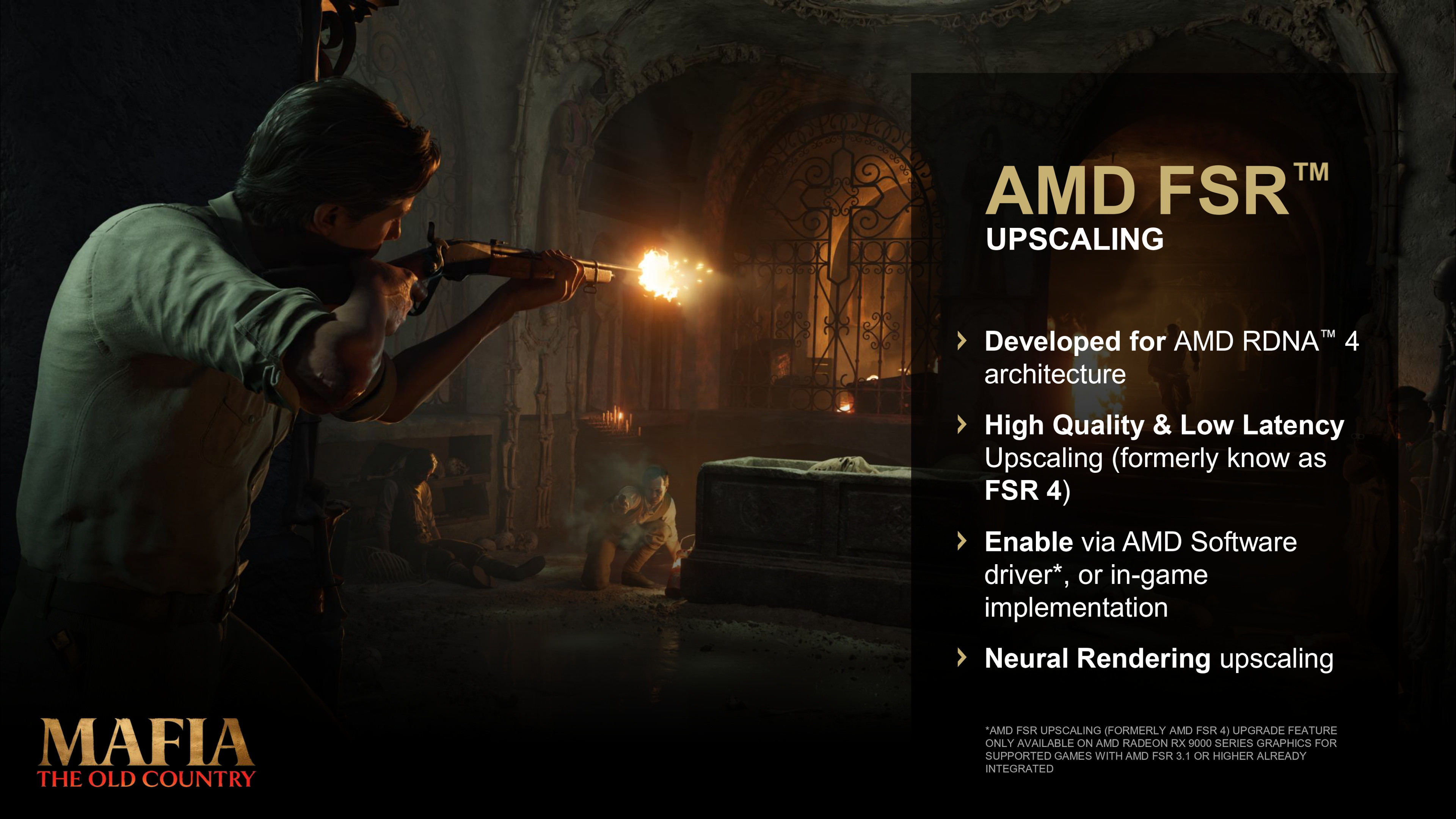
AMD’s FSR Upscaling 4.1 expansion brings its machine-learning upscaler to Radeon RX 6000 cards and a wider range of Ryzen-powered devices. Xbox Series support is planned, but AMD says console availability is still coming soon.
FSR 4.1 is reaching more AMD gaming hardware
AMD’s October FSR announcement widens access to its machine-learning-based upscaling technology. The company says FSR Upscaling 4.1 is now expanding to Radeon RX 6000 graphics cards, Ryzen AI Max systems, laptops with Ryzen AI 9 processors, and selected handhelds using Ryzen Z2 family chips. AMD also says the technology is coming to Xbox Series X|S, but it has not given a console release date in the announcement.
The important news for PC players is that RX 6000 owners no longer need a newer RX 7000 or RX 9000 desktop card to use the supported driver path. AMD describes the update as part of Adrenalin Edition 26.10.1. Availability can still depend on a device’s exact hardware, driver, and game support, so the headline should not be read as a promise that every title or every AMD-powered device will expose the option immediately.
What upscaling changes during a game
Upscaling lets a game render at a lower internal resolution and reconstruct a higher-resolution image for display. The goal is to reduce some of the GPU workload while keeping the result clear enough to play comfortably. AMD says FSR 4.1 uses machine-learning inference and delivers an image-quality improvement over its FSR 3.1 solution. The actual effect varies by game, settings, display resolution, and hardware.
Upscaling is not the same thing as frame generation. FSR Upscaling reconstructs the image; frame-generation features create additional frames between traditionally rendered frames. Those tools can be used together when supported, but they address different parts of the experience. A player may prefer a clean, consistent frame rate over a bigger number on a counter, so test the game’s available settings instead of assuming one mode is best for everyone.
Why RX 6000 owners should pay attention
Radeon RX 6000 cards launched in 2020, so they are already several hardware generations old. AMD says it optimized an INT8 model for this architecture to enable FSR Upscaling 4.1. That gives owners of cards such as the RX 6600 or RX 6800 a new official option to try before deciding whether an upgrade is necessary. It does not make an older card equivalent to a newer GPU, but it may help supported games fit a preferred resolution or frame-rate target.
Compatibility remains the key caveat. AMD’s broad device announcement does not mean every game automatically gains an FSR 4.1 toggle. Some driver-level paths can upgrade an existing supported FSR integration, while other features require developers to integrate the relevant SDK. Check the game’s graphics menu and AMD’s current support notes. If the option does not appear, it may reflect the game’s implementation or device support rather than a broken installation.
Handheld and laptop support comes with device-specific rules
AMD is also targeting compact systems, including Ryzen AI Max devices, laptops powered by Ryzen AI 9 processors, and select handhelds with Ryzen Z2 processors. A smaller screen can make reconstructed image detail useful, while the limited power and cooling budget of a portable system makes performance choices more noticeable. The manufacturer’s driver package matters here: handheld vendors often validate and distribute updates on their own schedule.
Before changing a handheld driver, check the support page for the exact model. A generic desktop driver may not include the manufacturer’s controls, power limits, or other platform-specific fixes. AMD’s announcement says availability and timing can vary by device and recommends checking with the original equipment manufacturer. This is especially relevant for travel devices, where a driver update that affects sleep, battery life, or controller behavior may matter as much as the upscaler itself.
Xbox Series support is planned, not available on a promised date
AMD says Xbox Series X|S support is coming soon, citing confirmation from Xbox leadership in the announcement video. That is a meaningful signal that the technology is being prepared for consoles, but it is not a date or a list of supported games. Console updates also depend on platform and game releases, so players should wait for Microsoft or AMD to name the rollout timing and explain which titles will benefit.
Until those details arrive, be wary of posts claiming FSR 4.1 is already enabled across the whole Xbox library. The official wording is future-facing. The same caution applies to performance promises: AMD describes expected benefits, but real results need testing in each game and configuration. Once a title receives an update, compare its supported modes and image quality at the same display settings to understand the change.
A practical checklist for PC players
If you have supported Radeon hardware, start by checking the exact GPU or processor model and installing a driver from AMD or your device maker. Restart after installation, open the game’s graphics options, and look for its upscaling or AMD FSR controls. Try one change at a time. Test a familiar scene, keep the same resolution, and notice both motion clarity and frame pacing. A larger FPS counter is only useful if the game still feels responsive.
Keep a note of your previous settings so you can undo a change. If the image looks softer, flickers in motion, or shows distracting artifacts, choose a different quality mode or turn the feature off for that game. FSR is a tool, not a universal fix for poor optimization. Also make sure the game itself is updated; the driver cannot add every feature that a title has not implemented.
A wider rollout is useful, with support still depending on each game
The FSR 4.1 expansion is notable because it brings AMD’s newer upscaling approach to more affordable and portable hardware, including the RX 6000 generation. It also puts Xbox Series support on the roadmap. Those changes give players another option for balancing image quality and performance, but they do not guarantee that every game will improve automatically or that every device will receive the feature on the same day.
For now, the most reliable steps are to check AMD’s official driver notes, confirm the exact device model, and look for a supported in-game option. Console owners should wait for an announced Xbox rollout. As developers update their games and device makers publish compatible drivers, the list of practical use cases should become clearer. That is the part worth watching: not just the feature announcement, but how it behaves in games people actually play.
CHECK THE ORIGINALS.
Facts and update details above are based on these official sources. Details can change as the game is updated.
Loading comments…